
Dynamic, frequency by frequency
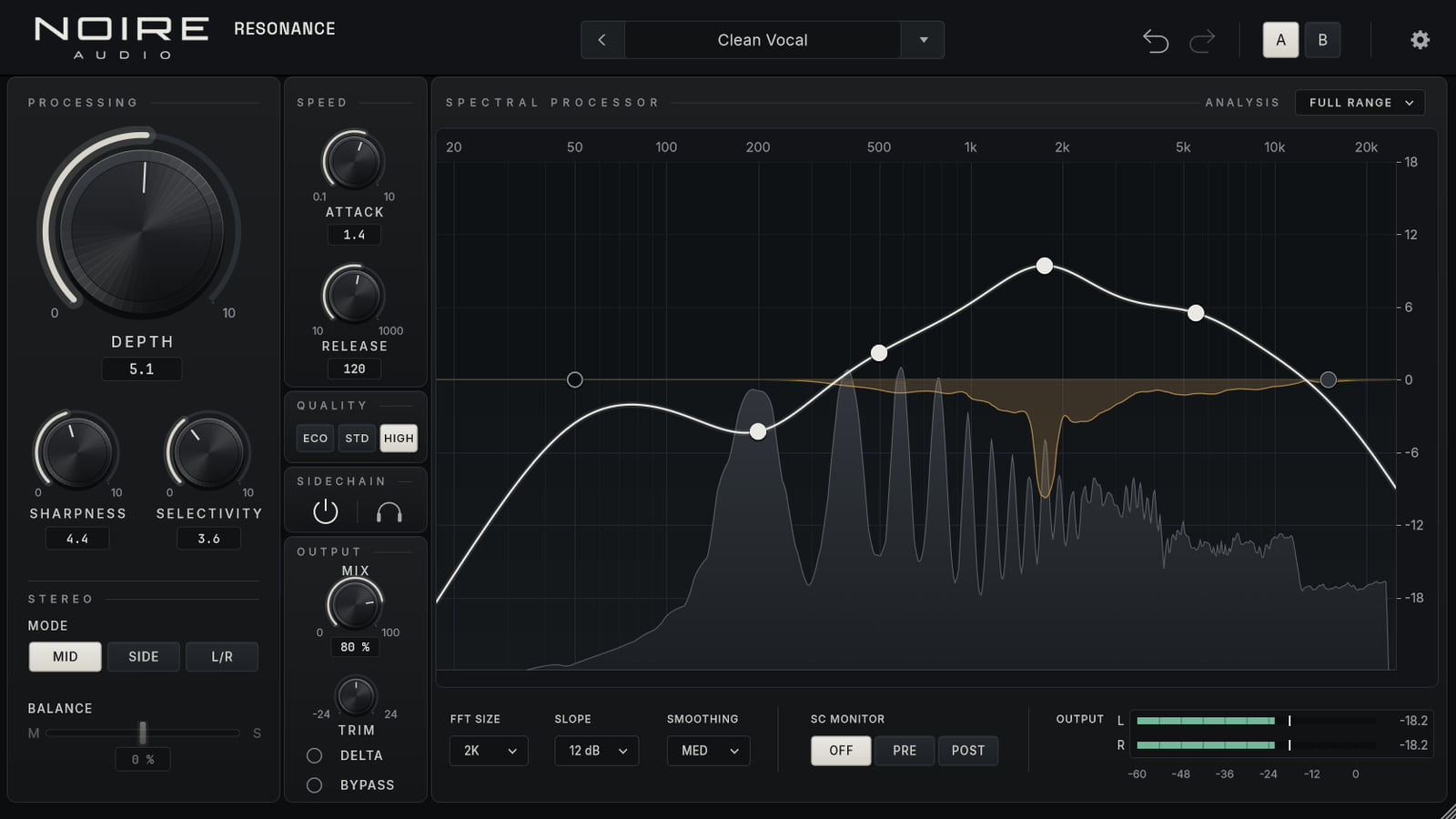
A spectral detector compares each peak with its local context, then applies reduction at the offending bins instead of reaching for a fixed set of notches.
Spectral dynamicsProduct preview
Reduce the peaks that keep drawing your ear away from the performance.
Noire Resonance finds narrow frequency peaks and turns them down as they appear, leaving the neighbouring tone in place.
Current preview 0.2.0 · VST3 · Standalone

In a session
The processor uses a spectral window to locate narrow resonances, so it reports a fixed latency to the host. The dry signal is aligned to that timing for bypass, Delta and parallel mix.
What it does
Noire Resonance finds narrow frequency peaks and turns them down as they appear, leaving the neighbouring tone in place.
A spectral detector compares each peak with its local context, then applies reduction at the offending bins instead of reaching for a fixed set of notches.
Use six points to adjust sensitivity across the spectrum. Choose Soft or Hard mode, set attack and release, and process Left/Right, Mid/Side, Mid or Side.
External sidechain, dry/wet mix, Delta monitoring and A/B comparison help you hear what the processor removes and decide when to back off.
At a glance
Shop
We’re preparing prices and downloads. In the meantime, each page shows what the plugin does and the formats available. No purchase or download link is active yet.