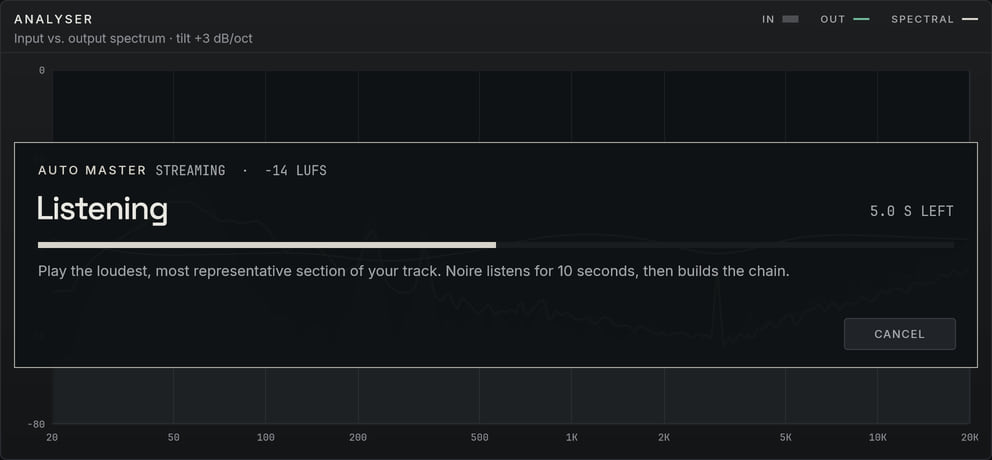
First, it listens.
Play the loudest, most representative passage and press Auto Master. It listens for ten seconds, without touching what you hear.
Noire Mastering Suite
A complete stereo mastering chain for Windows, with an Auto Master that explains each setting it chooses.
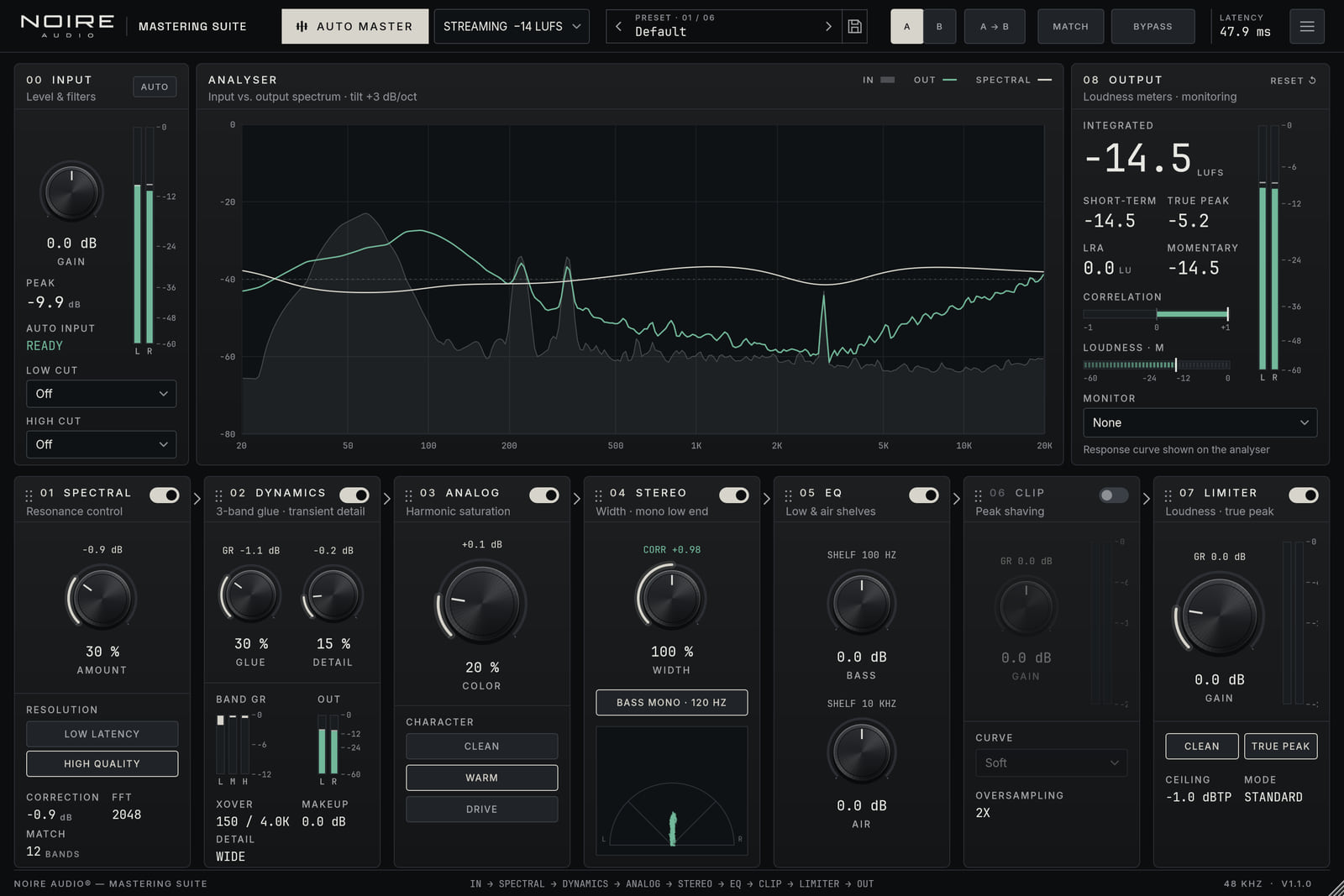
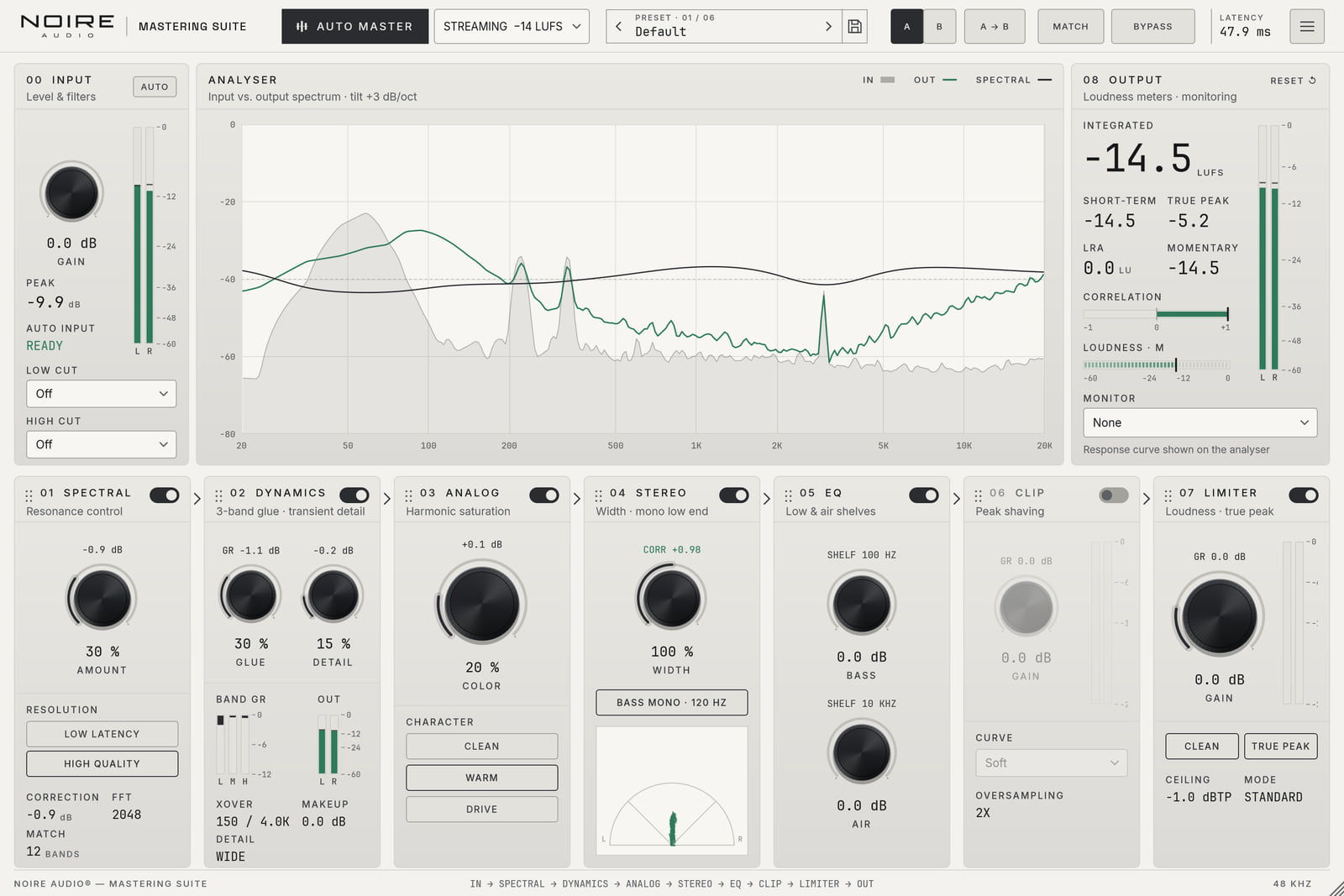
Mastering is the last step before release. Noire Mastering Suite measures your track, shows what each processor is doing and leaves the final call to you.
Auto Master
Auto Master analyses ten seconds of your track and builds a complete chain for your target. Each decision is explained, and you can undo all of it.
Play the loudest, most representative passage and press Auto Master. It listens for ten seconds, without touching what you hear.
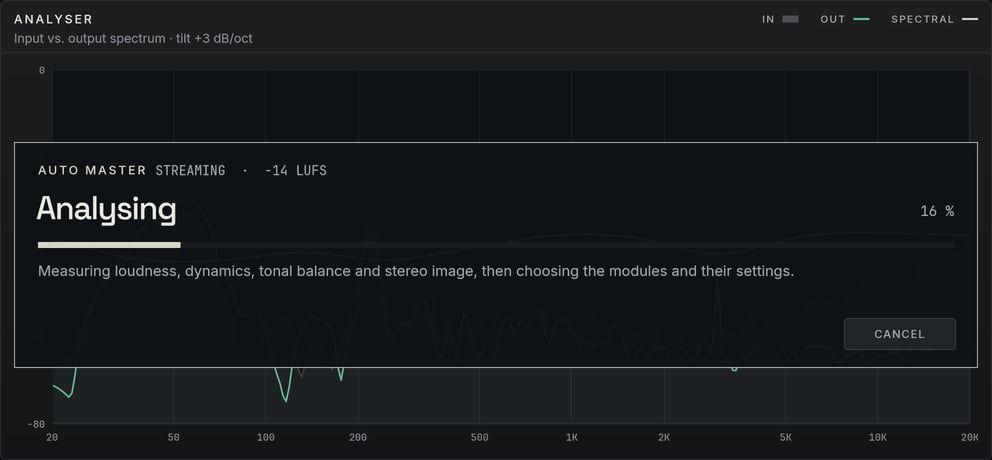
It measures loudness, dynamics, tonal balance, resonances and stereo image, picks the processors your track needs, then simulates the whole chain offline to reach your target without going over −1 dBTP.
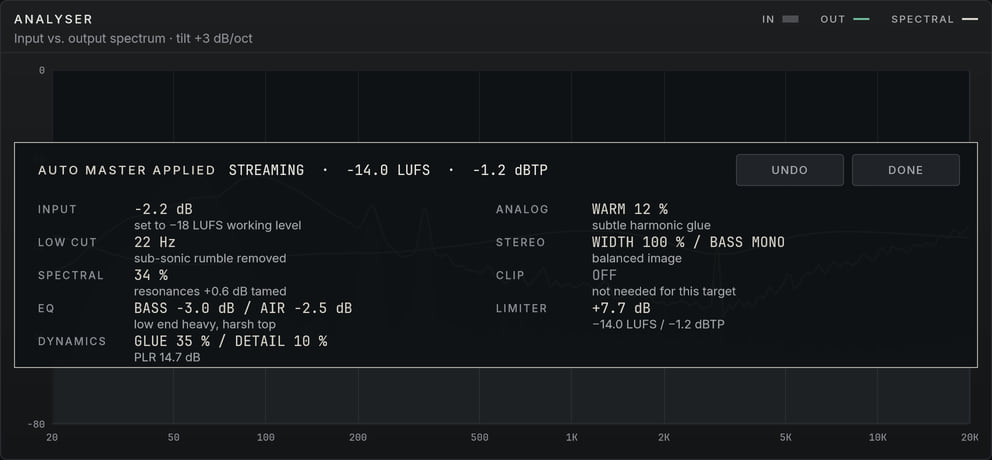
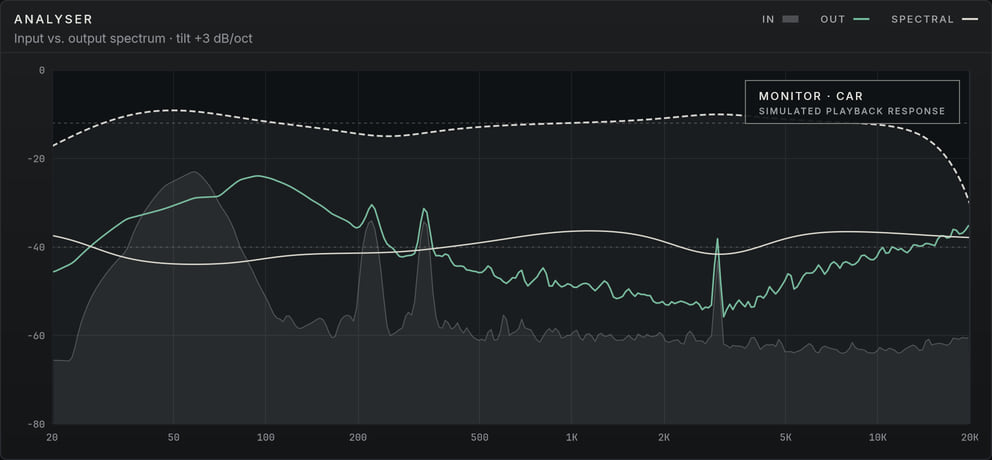
Each decision appears on the analyser with its reason. Keep the chain, refine it by ear, or press Undo to get your previous settings back.
Real plugin renders: Auto Master listening, analysing, then applied on the Streaming target at −14.0 LUFS and −1.2 dBTP, with the reason given for each processor.
Choose one next to the Auto Master button. A clean result always comes before the number.
−14LUFS
The level Spotify and YouTube normalise to.
−11LUFS
Denser, competitive masters for pop, rap and rock.
−9LUFS
For EDM, club and trap. On very dynamic material, Auto Master stops short of −9 rather than crush the mix.
−16LUFS
For acoustic, jazz, classical and film, where dynamics matter most.
Signal chain
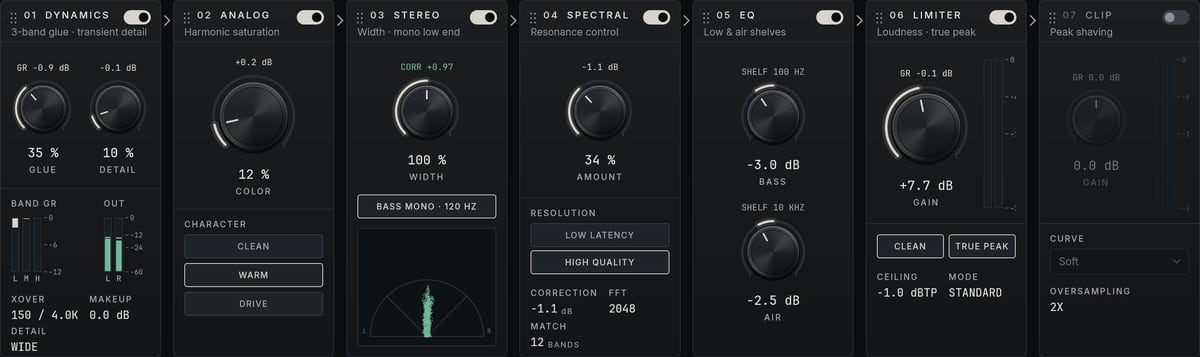
Each processor has its own card, numbered in the order the signal crosses it. Drag one by its header to move it: the limiter before the clipper, or the EQ first.
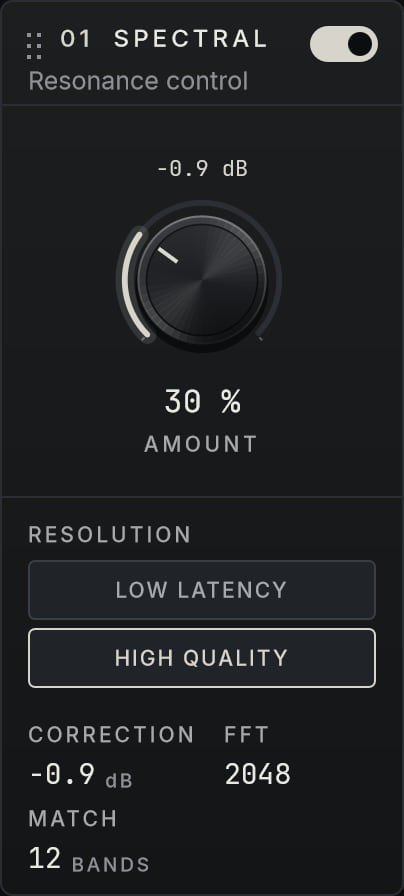
Finds what sticks out across 12 broad or 60 narrow bands and corrects only that, with transient protection.
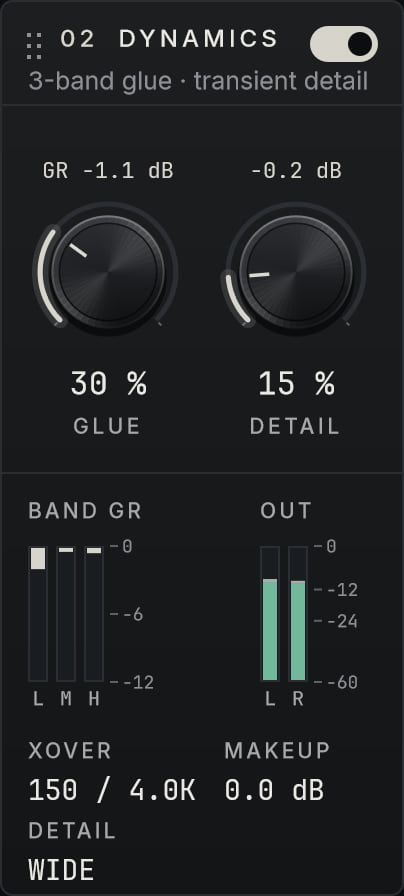
Three-band glue on Linkwitz–Riley crossovers, plus Detail to bring back punch and micro-dynamics.
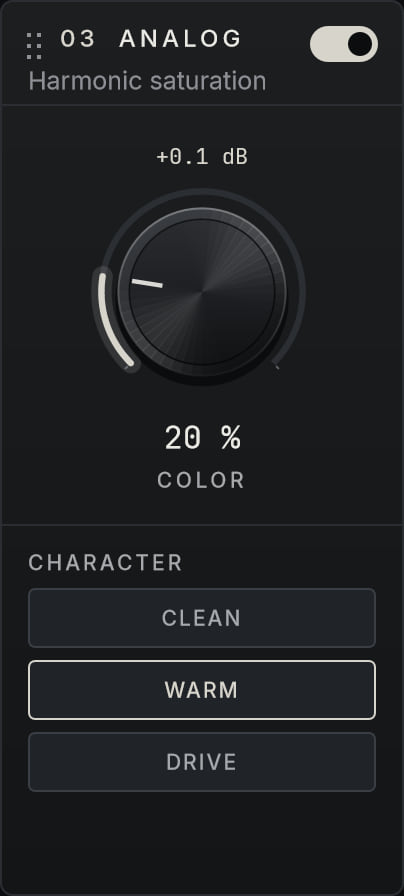
Harmonic saturation solved sample by sample. Clean, Warm or Drive, with up to 4× oversampling.
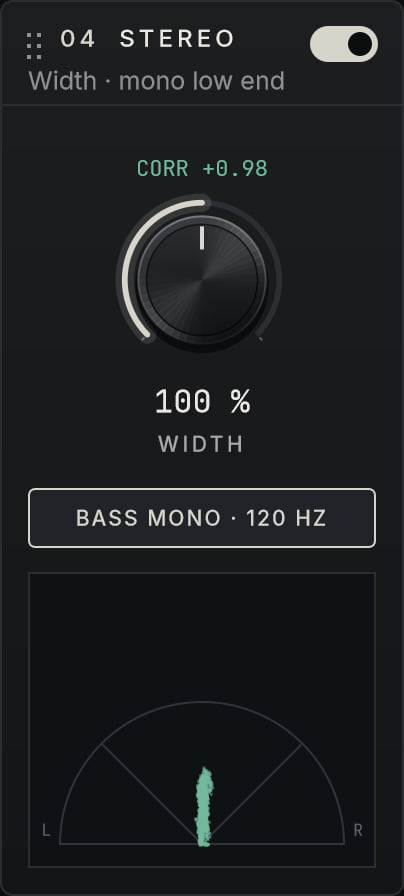
Mid/side width that never flips polarity, and mono bass below 120 Hz. A goniometer shows the image.
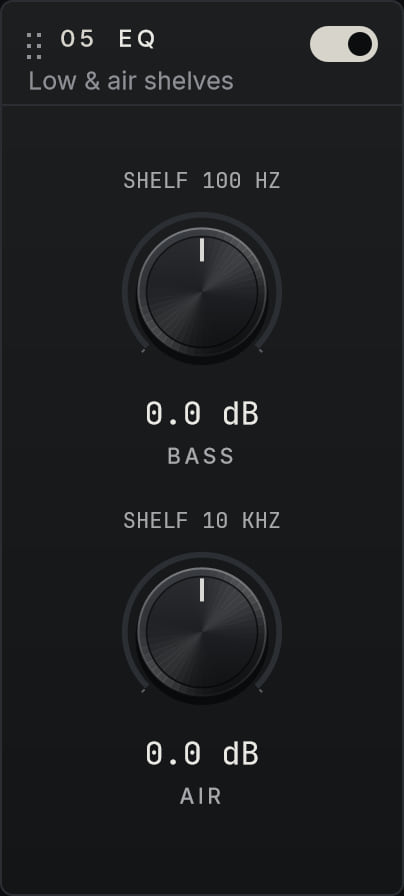
Bass and Air, as shelves or bells, with Air Comp to tame a harsh top end dynamically.
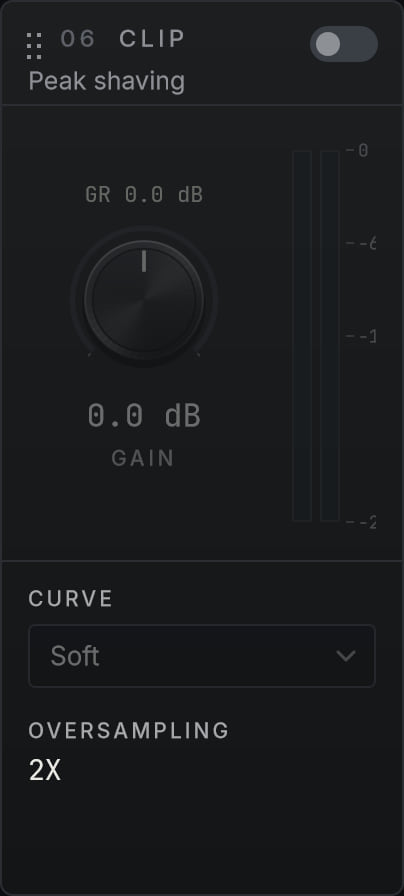
Soft, Hard or Tube peak shaving before the limiter, oversampled. Off by default.
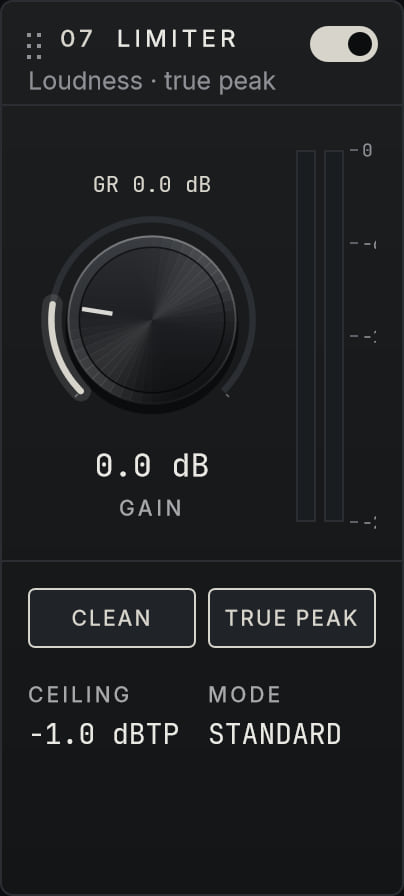
Look-ahead limiting with 4× true peak detection and a Clean mode, under a −1 dBTP ceiling.
Grab a module by its header, or right-click it to move it left, right, to the start or the end. The sound follows without a click, after a brief pause for the latency.
The order is saved with your project, in each A/B slot and in presets. A factory preset brings the default order back.
Comparison
A louder master always seems better. Match measures the level difference and removes it, so you only hear what the processing changes.
Monitor
Twelve monitor profiles simulate a car, a smartphone, a laptop and more. Their response is drawn on the analyser, after the meters, so your readings are never skewed.
Match
The output follows the input loudness, measured continuously, within −36 to +6 dB.
A / B
Compare two complete chains, order included. A → B copies the active one.
Bypass
Latency compensated, with a 20 ms crossfade, so switching never clicks.
Metering
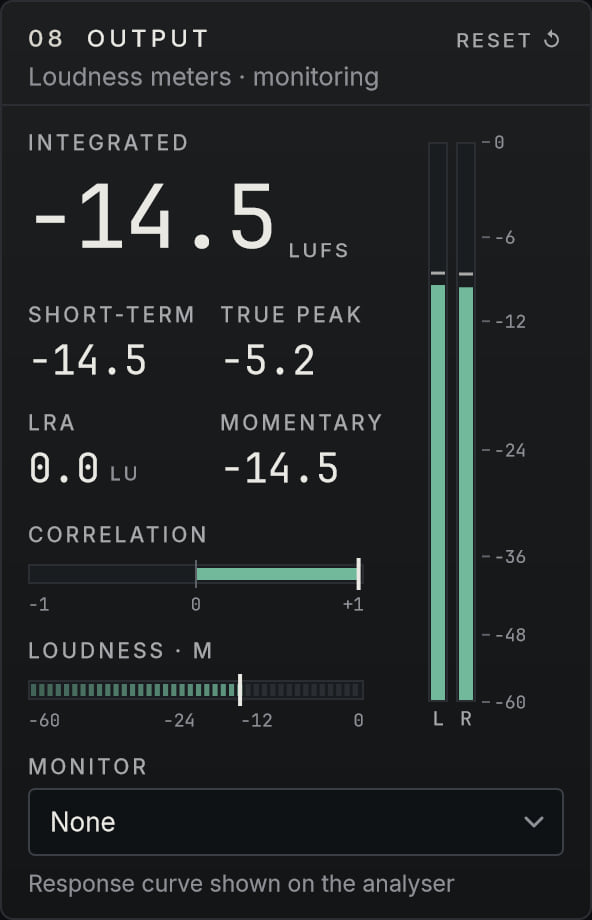
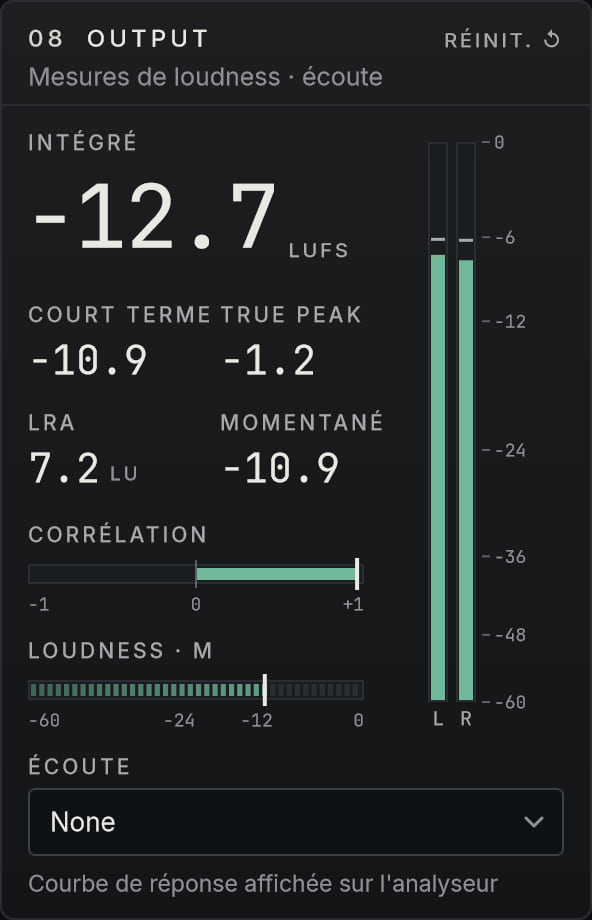
Loudness follows ITU-R BS.1770-4 with EBU gating. True peak is read with 4× interpolation and turns red above the ceiling.
Automation
All 163 sound and Auto Master parameters appear in your host’s automation lanes, including the Analog character, the EQ switch and the Auto Master target.
Presets
Saved as encrypted, authenticated .nmsp files: a modified file won’t load. Presets from version 1.0 still load.
Interface
Resizable, in Obsidian or Porcelain, and every control works from the keyboard.
Language
Switch the interface from the menu. Tooltips, Auto Master explanations and dialogs follow; parameter names stay the ones your host shows.
No. Noire Mastering Suite comes with a perpetual licence: you buy it once and it stays yours.
Any VST3 host on 64-bit Windows, and on its own as a standalone application. It passes pluginval at its strictest level.
If your host doesn’t list it, see Find the plugin. FL Studio, for example, may only find it in C:\Program Files\Common Files\VST3.
Yes. Drag a module by its header, or right-click the header for move options. The order is saved with your project, in each A/B slot and in presets.
No. It proposes a clean, measured starting point and explains each decision. Every processor stays editable, and Undo restores your previous settings.
Clean criteria come first. On very dynamic material, Auto Master stops before the limiter starts to damage the mix rather than force the number. You can always push further by hand.
47.9 ms at 48 kHz with the default settings (Spectral in High Quality), or 15.9 ms in Low Latency mode. The latency is reported to your host so it can compensate.
Not yet. Noire Mastering Suite is VST3 and standalone for Windows. macOS and other formats are on the roadmap, and will be announced here first.
In Documents\NOIRE AUDIO\Mastering Suite\Presets, as .nmsp files you can share with other Noire Mastering Suite users. They’re encrypted, so they only open in the plugin.
The price will be announced at launch, when the shop opens at shop.noireaudio.com.
1.1.0Your order
1.0.0First release

Coming soon to Windows, with a perpetual licence. The shop opens at shop.noireaudio.com.