
Loudness over time
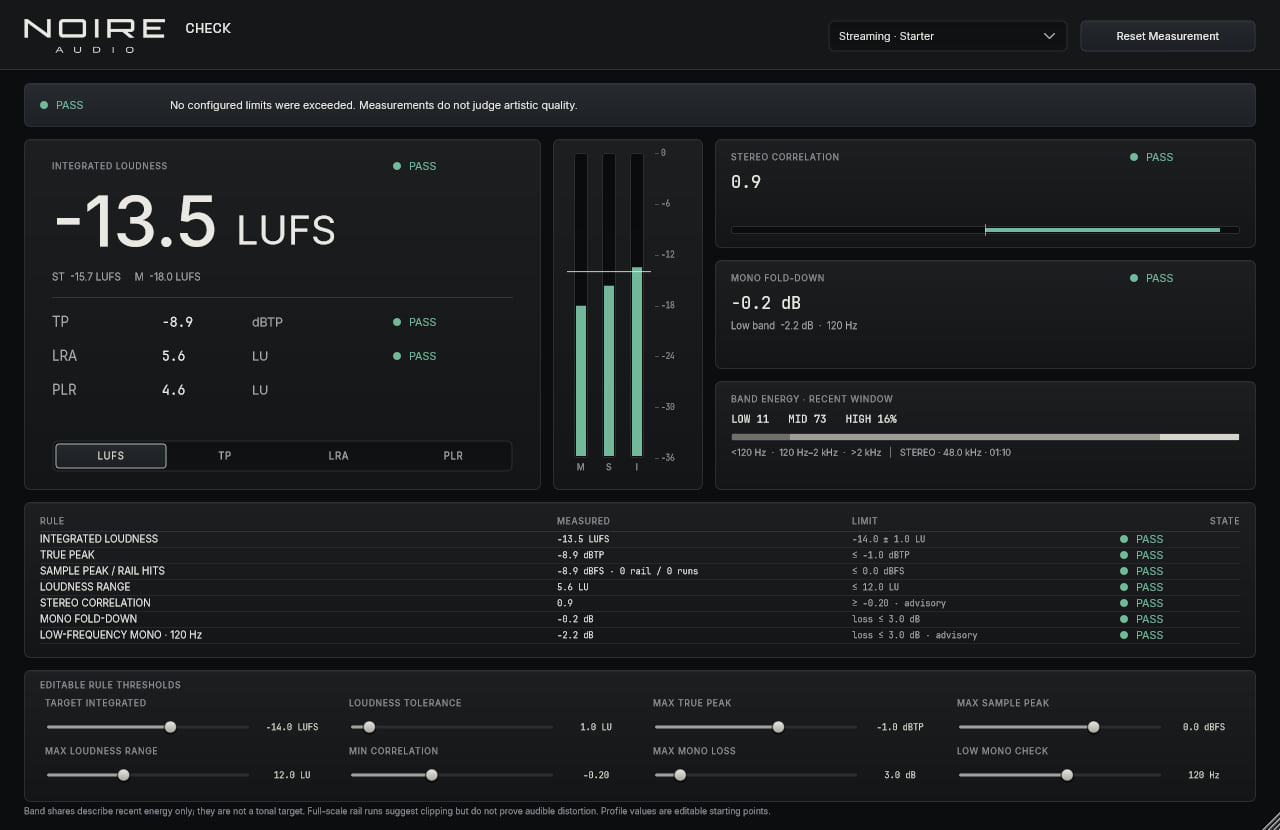
See integrated, momentary and short-term loudness alongside Loudness Range. The rolling readings help explain where a level came from, not just where it ended up.
MeteringProduct preview
A quiet second opinion on the parts of a mix that are easy to miss.
Noire Check observes the signal without changing it. Keep the readings beside your session and make the call yourself.
Current preview 0.1.1 · VST3 · Standalone
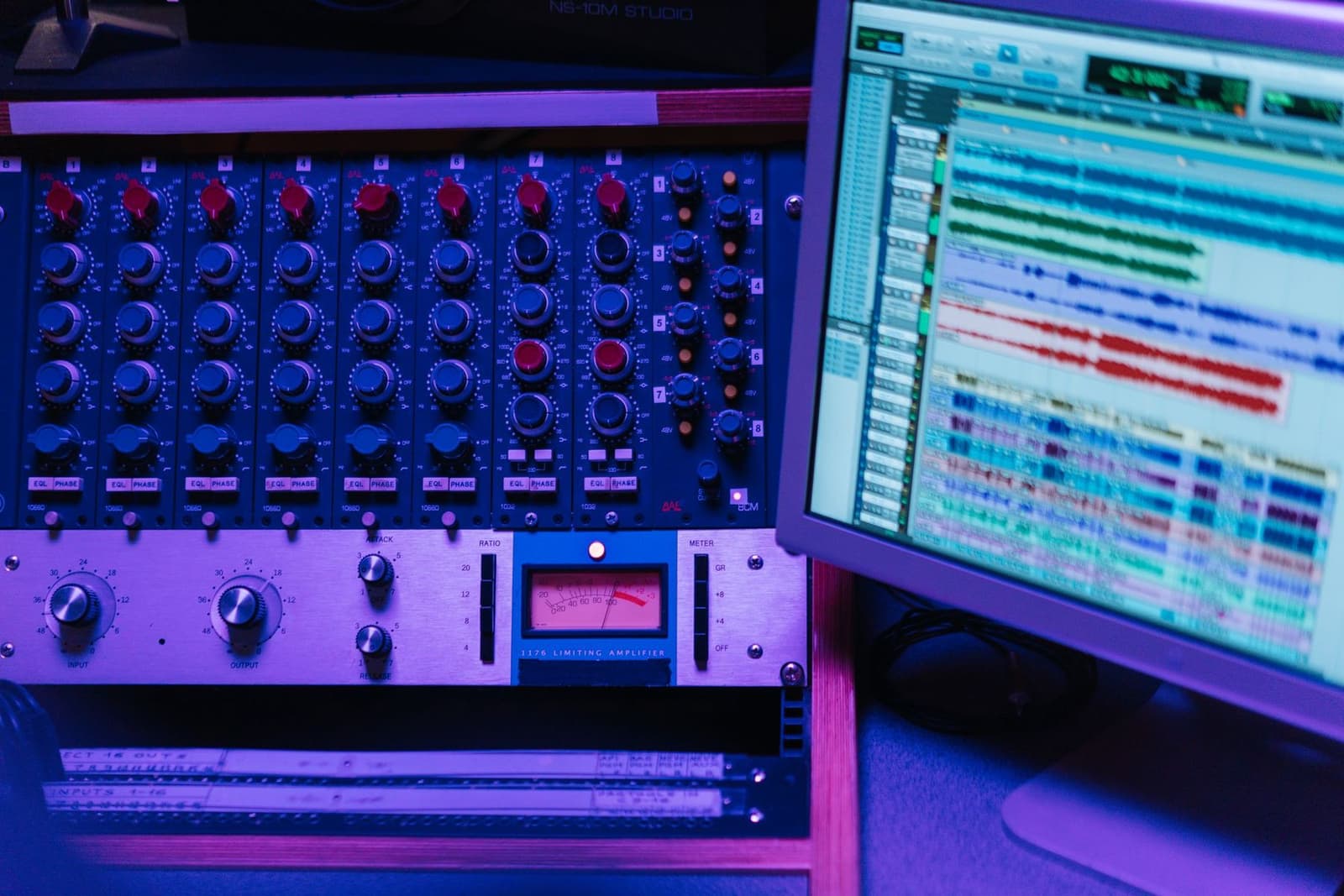
In a session
Noire Check is a read-only meter: the audio path passes through unchanged. Its rule profiles can be edited to match your workflow, and their warnings remain advisory.
What it does
Noire Check observes the signal without changing it. Keep the readings beside your session and make the call yourself.
See integrated, momentary and short-term loudness alongside Loudness Range. The rolling readings help explain where a level came from, not just where it ended up.
Keep sample peak and estimated true peak in view. Correlation, mono fold-down and low-frequency mono checks can flag a mix worth revisiting.
Streaming, album and broadcast profiles are starting points. Set your own thresholds; warnings are prompts for a closer listen, not a certification.
At a glance
Shop
We’re preparing prices and downloads. In the meantime, each page shows what the plugin does and the formats available. No purchase or download link is active yet.